Save Pinterest Content Offline Without Creating an Account
Some public Pinterest images, videos, and GIFs may be saved without creating an account when the pin is publicly accessible. Here is what that means in practice — and where the limits are.
Pinterest Video DownloaderPeople searching for a way to save Pinterest content offline often want a straightforward answer. The honest one is: it depends on the pin. Some publicly visible pins can be saved without logging in. Many cannot — and the reasons are worth understanding before you spend time trying. This guide covers what is realistically possible, what the limits are, and how to do it responsibly. If you have already saved content and want to keep it organised, the guide on how to organise downloaded Pinterest videos picks up from there.
Can You Save Pinterest Content Without an Account?
Sometimes — but not always, and not for every pin. Pinterest is a platform that mixes public and private content within the same interface. Whether a specific pin can be saved without signing in depends entirely on how that individual pin is configured and what Pinterest exposes on its public page.
Pinterest’s own documentation notes that users can download some pins. The operative word is some. Pinterest also gives video creators the ability to control whether their full-screen videos can be downloaded. This means even within the category of public pins, a creator may have explicitly disabled saving for their content.
What this means practically:
Publicly visible pins where the content is accessible without logging in and the creator has not restricted saving.
Private pins, secret board content, login-gated pins, deleted pins, restricted pins, or pins where the creator has disabled downloads.
The accurate framing: Some public Pinterest images, videos, and GIFs may be saved without creating an account when the pin is accessible publicly. Private, restricted, deleted, login-required, or unavailable pins may not work — regardless of which tool you use.
What Public Pinterest Content Means
A public Pinterest pin is one that any visitor can view without holding a Pinterest account or being signed in. If you open an individual pin URL in a private browser window — no cookies, no session, no login — and the content loads and plays normally, that pin is public.
Public content on Pinterest includes:
- Pins saved to public boards by users who have not restricted their profile or board visibility.
- Videos, images, and animated pins on those public boards that Pinterest serves without requiring authentication.
- Pins shared via direct link where the pin page renders fully without a login prompt.
Public does not mean free to use for any purpose. It means the content is viewable without an account. The creator still holds the rights to their work regardless of whether they made it visible to everyone. Visibility and permission to reuse are two separate things — a point covered further below.
Quick check: Paste the pin URL into a private or incognito browser tab. If the pin loads and the media plays without Pinterest redirecting you to a sign-in screen, the content is publicly accessible. If you see a login prompt, the pin is not public and cannot be retrieved without an account.
Why Some Pins Still Require Login
Even when you find a pin link and open it in a browser, Pinterest may require a login before it displays the content. Several situations cause this:
- Secret or private boards. If the creator saved the pin to a board set to private or secret, Pinterest does not serve that content to visitors who are not logged in with the appropriate access.
- Restricted accounts. Some Pinterest accounts have restricted profile visibility. Pins from those accounts may be inaccessible without a logged-in session.
- Geographic or age-based restrictions. Pinterest applies content restrictions in certain regions or for content flagged as age-sensitive. These pins may redirect to a login screen regardless of the pin’s board settings.
- Deleted or expired pins. If the original creator deleted the pin, or Pinterest removed it for a policy reason, the pin page no longer loads at all — logged in or not.
- Creator-controlled download settings. For video pins specifically, Pinterest allows creators to control whether their content can be downloaded. A creator who has disabled this setting is expressly choosing not to make their video available for saving.
No tool can reliably retrieve content that falls into these categories. When a pin requires login before its media is accessible, that restriction exists at the platform level and reflects either the creator’s intent or Pinterest’s own policies.
What You Can Save for Personal Offline Reference
Saving publicly accessible Pinterest content for personal offline use is a common and reasonable practice. The key word is personal — the saved file stays on your own device and is used for your own reference, not redistributed, reposted, or commercially exploited.
Appropriate personal-reference uses include:
What falls outside personal reference:
Three content types are supported for personal offline saving where the pin is publicly accessible: videos through the Pinterest Video Downloader, images through the Pinterest Image Downloader, and animated GIFs through the Pinterest GIF Downloader. Each tool checks the submitted public pin link and returns the available media result when one is found.
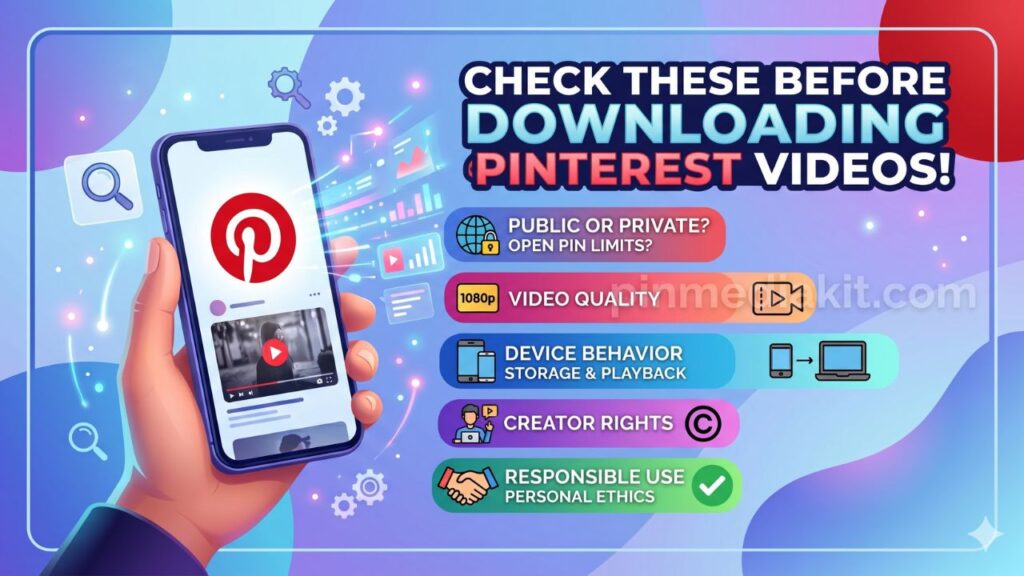
Before saving, it is worth reading what to know before downloading Pinterest videos — it covers the access and quality limits that apply to any public pin you attempt to save.
Why Downloading Does Not Give Reuse Rights
Saving a file to your device does not change who owns it. Copyright belongs to the creator from the moment they produce the work — a video, a photograph, an illustration, an animated graphic. That ownership does not transfer, diminish, or expire because the file is publicly visible on Pinterest or because you have saved a copy locally.
In practice, this means:
- A saved file is not a licensed file. Having the file on your device is not the same as having permission to use it beyond personal viewing.
- Reposting requires permission. Uploading someone else’s video or image to another platform — even with attribution — is a copyright act that requires the creator’s consent or a valid license.
- Commercial use requires a clear agreement. Using a downloaded Pinterest video or image in advertising, branded content, client work, or paid projects without explicit creator permission creates legal exposure.
- Attribution is not a substitute for a license. Crediting a creator in a caption is courteous practice. It does not grant any rights that were not already granted by the creator.
- Creative Commons and open licenses exist. Some Pinterest content is published under a Creative Commons or similar license. If a creator has specified this clearly, that license governs what is permitted — but the specific terms must be read and followed.
The default position for any saved pin: personal reference only, until you have confirmed a broader permission directly with the creator or via a verified license.
When You Should Ask the Creator for Permission
If your intended use goes beyond saving a public pin for your own offline reference, reaching out to the original creator is the right step — and often a straightforward one.
Situations that call for creator permission before proceeding:
- You want to share the video or image on another social media account, even with credit.
- You want to include it in a presentation, workshop, or event — especially if that event has an audience beyond a small private group.
- You want to use it in a client project, website, or any commercially published material.
- You want to embed or repost it as part of content that earns revenue — whether through ads, subscriptions, or sponsorships.
- You want to modify, edit, or combine it with other material and publish the result.
Most creators on Pinterest are reachable through their profile. A direct, specific message — explaining what the content is, how you intend to use it, and where it will appear — is usually the most effective approach. Many will respond positively to genuine, respectful requests, particularly for non-commercial uses.
If a creator does not respond or declines, the answer is no. Proceeding without permission after a decline, or without a response, is not a safe position legally or ethically.
Keep a record. If a creator says yes, save a copy of that exchange — the date, the platform, and the specific content and use they approved. Memories fade, and having written confirmation protects both parties if questions arise later.
How PinMediaKit Handles Public Pinterest Links
PinMediaKit is an independent utility. It is not affiliated with, endorsed by, or connected to Pinterest in any way. The tools check a public Pinterest or pin.it link submitted by the user, read the publicly accessible pin page, and return the available media result when one is found. They do not host Pinterest media, claim ownership of third-party content, or retrieve content that is not already publicly exposed by Pinterest.
The three tools available cover the main public media types Pinterest serves:
Checks public image pins and returns a photo or artwork file when readable.
Open ToolChecks public animated pins and returns GIF or animated media when exposed.
Open ToolEach tool accepts individual pin URLs — a full pinterest.com/pin/ link or a shortened pin.it/ link. Board URLs, profile pages, search results, and home feed links are not individual pin links and will not return a media result. The result type and quality depend entirely on what Pinterest publicly exposes for that specific pin.
Results may be cached briefly to improve response speed for frequently checked pins. PinMediaKit does not maintain a permanent library of Pinterest media files. Users are solely responsible for how they use any result returned by the tools.
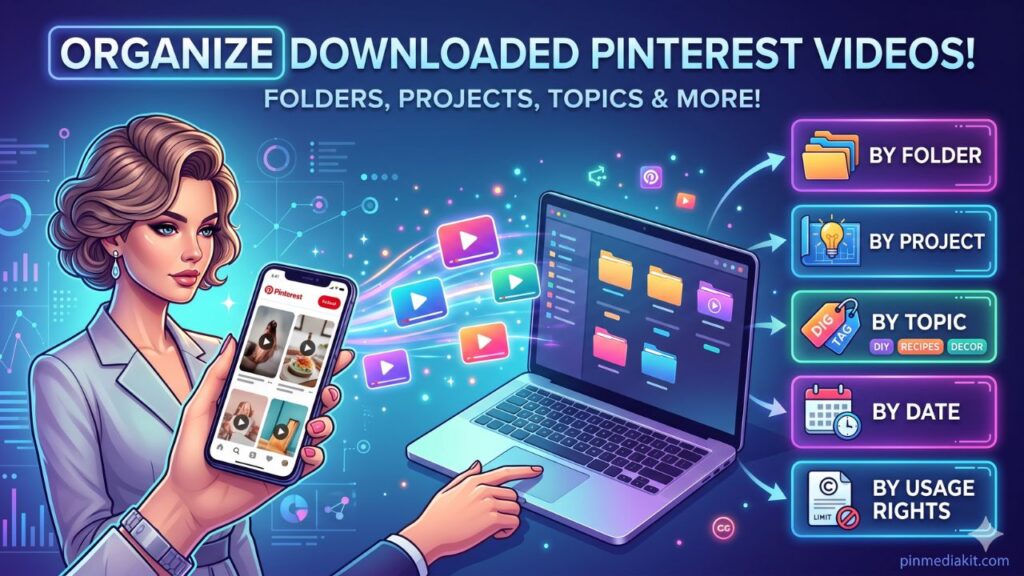
For guidance on keeping saved files well organised and traceable, the guide on organising downloaded Pinterest videos covers a practical folder and naming system that works across devices.
A note on copyright and responsible use. Content published on Pinterest remains the intellectual property of its creators. Saving a publicly accessible pin for personal offline reference is a common practice, but it does not transfer ownership, grant a license, or permit reposting, redistribution, or commercial use of the saved file. PinMediaKit retrieves what is already publicly accessible on submitted Pinterest links and does not modify, host, or claim ownership of any third-party media. Users are solely responsible for ensuring their use of any saved content complies with applicable copyright law, Pinterest’s terms, and the rights of the original creator. When in doubt, ask the creator directly before using their work beyond personal viewing.
Check a Public Pinterest Pin
Paste a public pin.it or pinterest.com/pin/ link into the tool and see what media is available to save.
Open Pinterest Video Downloader