Things to Know Before Downloading Pinterest Videos
A clear, honest guide to what works, what does not, and how to use downloaded Pinterest videos responsibly — before you hit that download button.
Open Pinterest Video DownloaderPinterest is one of the largest collections of visual ideas on the web — recipes, crafts, home décor, fitness tips, travel inspiration, and more. Many of those ideas are shared as short videos, and it is natural to want to save one for offline reference. Before you do, there are a few important things to understand about which videos can be saved, what you can legally do with them, and why some attempts simply will not work. To save an available public video, use the Pinterest Video Downloader.
Not Every Pinterest Video Is Downloadable
Pinterest hosts an enormous variety of content, but not all of it is accessible to download — and that is by design. Whether a video can be saved depends on its visibility status and how Pinterest serves it to the public.
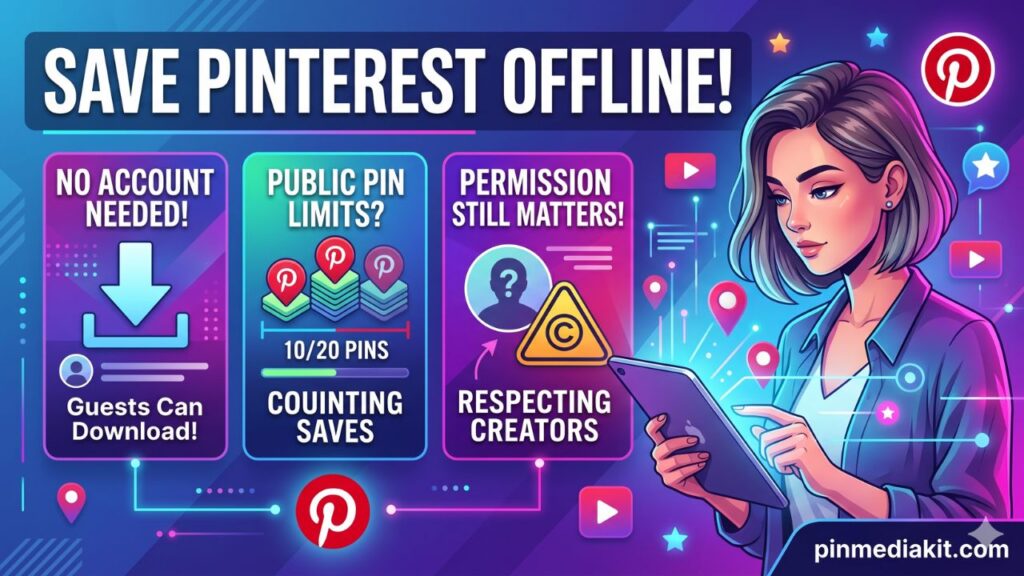
Public pins are the only type that a downloader tool can reach. These are pins that any visitor, logged in or not, can view on Pinterest.
Several other categories will not work, regardless of the tool you use:
- Private pins — content the creator has set to visible only to themselves or specific collaborators.
- Secret board pins — pins saved inside boards the creator has marked private or secret.
- Deleted pins — if the original pinner removed the content, the pin page no longer exists and nothing can be retrieved.
- Login-gated content — some pins require a Pinterest account and active session before any media is exposed.
- Restricted or moderated pins — content flagged or limited by Pinterest’s own policies may not expose a downloadable file.
Quick test: Open the pin URL in a private or incognito browser window without signing in. If the video plays, it is public. If Pinterest redirects you to a login page or shows an error, the content is not publicly accessible and a downloader will not be able to retrieve it either.
Pinterest’s own help documentation notes that users can download certain pins — this applies specifically to public content. There is no tool that can reliably bypass Pinterest’s access controls for restricted or private material.
Use the Correct Pinterest Video Link
The single most common reason a download attempt fails is a wrong URL. Pinterest has many different types of pages — your home feed, a creator’s profile, a board overview, a search results page — and none of those will work with a video downloader. The only URL type that works is the individual pin page URL.
pinterest.com/pin/123456789/
pin.it/AbCdEfGhI
pinterest.com/username/board-name/
pinterest.com/username/
pinterest.com/search/pins/?q=…
pinterest.com/ (home feed)
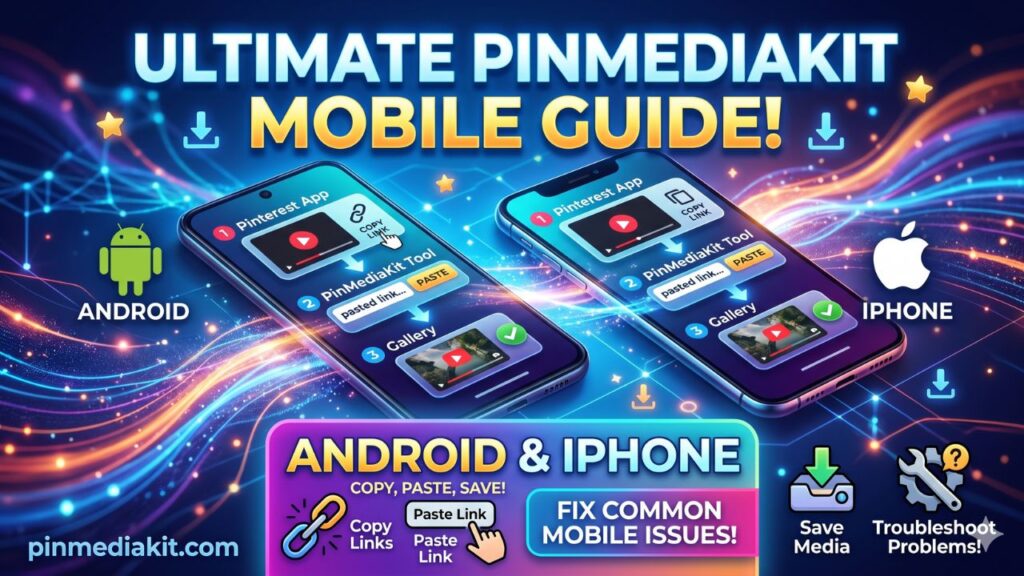
How to get the right link on mobile: Open the Pinterest app, tap the pin you want, tap the share icon or three-dot menu, and choose Copy link. The copied URL will be the direct pin link, not a board or profile URL.
How to get the right link on desktop: Click the pin to open its full page, then copy the URL from your browser’s address bar. It should contain /pin/ followed by a long numeric ID.
Tip: If a full pinterest.com/pin/ URL does not resolve, try the shortened pin.it/ version of the same pin — or vice versa. One format sometimes resolves more cleanly depending on the pin’s origin.
Video Quality Depends on the Original Pin
What you download is exactly what Pinterest makes publicly available for that pin — nothing more, nothing less. A downloader tool does not enhance, upscale, or process the video in any way. It simply retrieves the file that Pinterest’s servers expose for that public URL.
This means quality varies considerably from pin to pin:
- A video uploaded in high resolution by its creator will typically serve a higher-quality file.
- A video that was re-shared or reuploaded multiple times may have been compressed along the way.
- Pinterest itself applies compression when processing uploaded videos, which affects the maximum available quality.
- Some pins link out to external media hosts rather than serving the video natively — in those cases the tool may return a preview image rather than a video file.
Honest expectation: No Pinterest video downloader can guarantee HD, 4K, or “original quality” for every pin. The saved file will match whatever Pinterest publicly serves for that specific video. If the pin plays in low resolution on Pinterest itself, the downloaded file will reflect that same quality.
Downloading Does Not Give You Reuse Rights
Saving a file to your device does not change who owns it. Copyright belongs to the original creator the moment they make the work — a video, a photo, a piece of artwork. Downloading a public file does not transfer, waive, or reduce those rights in any way.
In practice, this means:
- Reposting is not automatically allowed. Uploading someone else’s video to Instagram, TikTok, YouTube, or any other platform without permission is a copyright infringement, even if the original pin was publicly visible.
- Commercial use requires explicit permission or a valid license. Using a downloaded Pinterest video in advertising, branded content, paid social posts, or any commercial context without the creator’s consent is a serious legal risk.
- Attribution alone is not a license. Crediting the creator in a caption is a courteous practice, but it does not substitute for actual permission to reuse their work.
- Some content on Pinterest carries a Creative Commons or open license. If the creator has specified this clearly, that license governs what you can do — but you still need to read and follow the specific terms.
When in doubt: Reach out to the creator directly and ask for permission. Most creators appreciate the respect, and many will say yes to genuine, credited sharing — especially for non-commercial purposes.
When Saving Pinterest Videos Makes Sense
There are many completely legitimate reasons to save a Pinterest video for yourself. The key is that the use stays personal and does not involve distributing or commercially exploiting someone else’s content.
Good personal-use scenarios include:
- Offline reference. A recipe walkthrough, a workout tutorial, or a craft technique you want to follow step-by-step without relying on an internet connection — especially useful while travelling or in low-signal areas.
- Creative planning and mood boards. Saving visual references for interior design, fashion styling, photography composition, or creative direction for your own projects.
- Your own pins. If you uploaded the video to Pinterest yourself, you have every right to save a local copy back to your own device.
- Inspiration archives. Collecting cooking ideas, garden plans, DIY projects, or travel destination references for future personal use.
- Craft and hobby tutorials. Following along with a knitting stitch, a resin technique, or a woodworking method at your own pace, without needing to re-stream the pin every time.
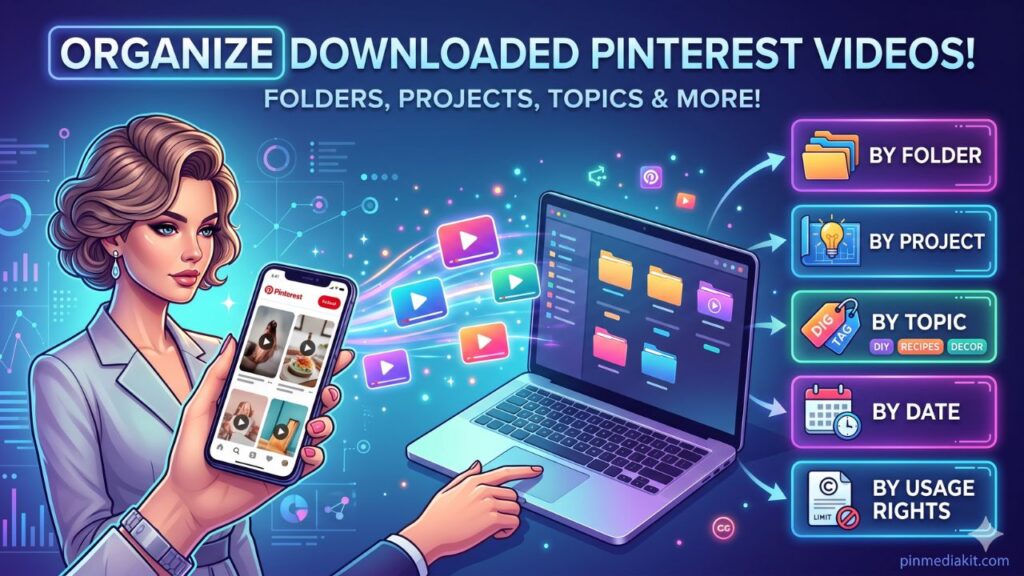
- Presentation planning. Keeping a local folder of style references or process examples you want to study before beginning your own original work.
The simple test: If the saved file stays on your own device for your own reference, and you are not distributing, reuploading, or profiting from it — you are in the personal-use territory that most download tools are designed to serve.
Common Download Problems and What Causes Them
If a download attempt returns no result or an unexpected file type, the cause is almost always one of the following:
-
Wrong URL type. You pasted a board link, profile page, search results page, or home feed URL instead of an individual pin link. The URL must contain
/pin/or be apin.it/short link pointing to a single pin. -
Private or restricted pin. The pin is inside a secret board, has been restricted by Pinterest, or requires a login to view. Only publicly accessible pins can be fetched.
-
Deleted or removed pin. The creator deleted the pin, or Pinterest removed it. Confirm the pin page still loads normally in your browser before attempting a download.
-
No readable video file exposed. Some pins link out to external websites rather than serving a video natively on Pinterest. In these cases the tool may return a preview thumbnail image instead of a video file — this is an accurate reflection of what the pin page exposes.
-
Browser plays the file instead of saving it. Some browsers open video or image files inline. Right-click the media result and choose Save as…, or check your browser’s download settings to set a default save behaviour.
-
Mobile browser behaviour varies. Different mobile browsers and operating system versions handle file downloads differently. If one mobile browser does not save the file correctly, try a different browser app on the same device.
-
Slow Pinterest response. Pinterest’s servers occasionally respond slowly, especially for large video files or during high-traffic periods. Wait for the “Finding media…” state to complete fully before concluding the check has failed.
Responsible Pinterest Video Downloading
Tools like PinMediaKit exist to make it easy to save publicly accessible Pinterest content for legitimate personal use — and they work best when used with a clear understanding of what that means.
Before saving any Pinterest video, run through this brief checklist:
- Is the pin page publicly visible without logging in?
- Am I saving it for personal reference, offline viewing, or my own creative planning?
- Am I the original creator of this pin?
- Do I have explicit permission from the creator to use this content beyond personal viewing?
If your intended use goes beyond personal reference — particularly if you plan to reshare, repost, modify, or use the video commercially — the right path is to contact the original creator and ask for permission, or to seek content that carries an appropriate open license.
PinMediaKit is an independent utility and is not affiliated with, endorsed by, or connected to Pinterest in any way. The tool retrieves what is already publicly available on submitted Pinterest links. Users are solely responsible for how they use any downloaded result.
Respecting creators’ work is what keeps Pinterest a thriving, generous community. Download thoughtfully — and if something inspires you, consider saving it to your own Pinterest board and engaging with the original pin instead.
Ready to Check a Public Pin?
Open the Pinterest Video Downloader, paste a public Pinterest video URL, and preview the available file.
Open Pinterest Video Downloader