How PinMediaKit Works When You Download a Pinterest File
PinMediaKit checks a public Pinterest link, looks for available media, shows a preview when possible, and gives you a save or open option. It does not unlock private or restricted content.
Open Pinterest Video DownloaderPinMediaKit works only with public Pinterest links — individual pin URLs from pinterest.com/pin/ or short pin.it links that anyone can view without signing in. When you submit a link, the tool checks what media is publicly available on that pin and returns a preview and save option when a file is found. Downloading a file through PinMediaKit does not transfer any rights to reuse, repost, or use that content commercially. The original creator retains ownership. You are responsible for how any saved file is used.
What Happens After You Paste a Pinterest Link
The process is straightforward. Once you have a public Pinterest pin URL, here is what happens from your side:
-
1Copy the pin URL
Open a public pin on Pinterest and copy the full URL from your browser address bar, or use a short
pin.itlink. The link must point to an individual pin, not a board or profile page. -
2Paste it into PinMediaKit
Go to PinMediaKit and paste the copied link into the input field. The tool accepts both full
pinterest.com/pin/URLs andpin.itshort links. -
3PinMediaKit checks the public pin page
The tool reads the publicly accessible information on that pin to determine whether media is available. This only works when the pin is open and visible to anyone on the internet.
-
4Preview and save option appear
When media is found, a preview is shown so you can confirm it is the right file. A download or open button then lets you save or view the available media. If no media is returned, the pin may be private, deleted, or otherwise unavailable.
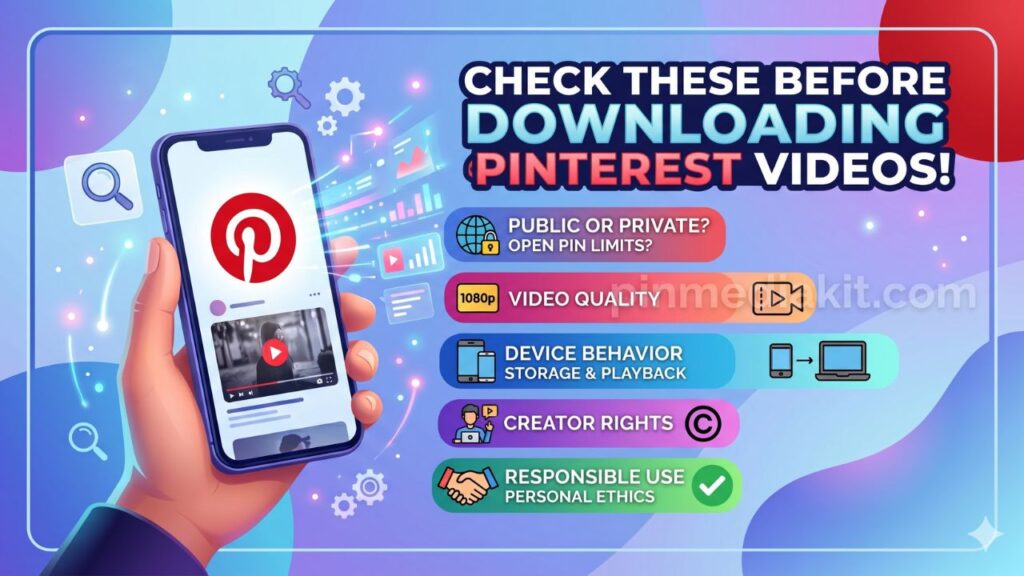
Not sure what to expect before you start? The guide on things to know before downloading Pinterest videos covers common questions in advance.
Why the Link Must Be Public
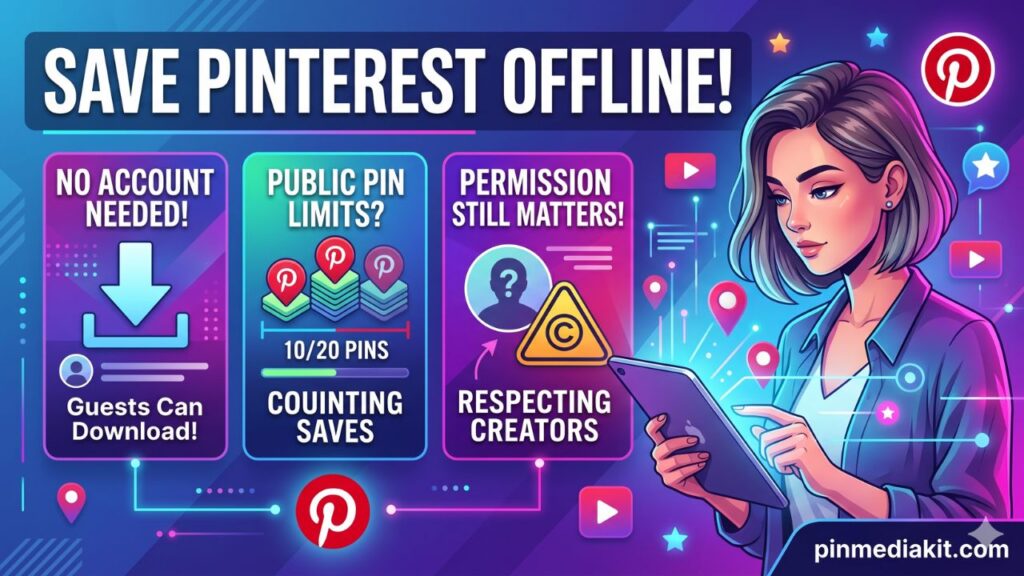
PinMediaKit can only work when the submitted pin is publicly accessible — meaning anyone can open it in a browser without being signed in to Pinterest. The tool reads what is already visible to the public. It cannot access anything beyond that.
Links that are likely to return no result include:
Preview Before Saving
Before any file is saved to your device, PinMediaKit shows a preview step. This is a practical safeguard that helps in several ways:
If you are using PinMediaKit on a phone, the guide on using PinMediaKit on Android and iPhone walks through the mobile preview and save steps in full detail.
Videos, Images, and GIFs Use Separate Tools
PinMediaKit offers dedicated tools for different types of Pinterest media. Each tool is focused on a specific file type, so the right tool for your pin type gives the most consistent result.
Why Some Downloads May Not Return a File
PinMediaKit works with publicly available Pinterest media, so several conditions can result in no file being returned. Understanding these helps you troubleshoot quickly when a link does not work as expected.
What “Available Media” Means
When PinMediaKit says media is available, it means a publicly accessible file was found for the submitted pin at the time of the request. It does not mean every Pinterest pin will always produce a file, every quality option will be present, or every format will be available.
What you receive depends entirely on what Pinterest publicly serves for that specific pin. PinMediaKit returns what is accessible — nothing more. The final file type, resolution, and quality reflect what was openly available from that pin at the moment you submitted the link.
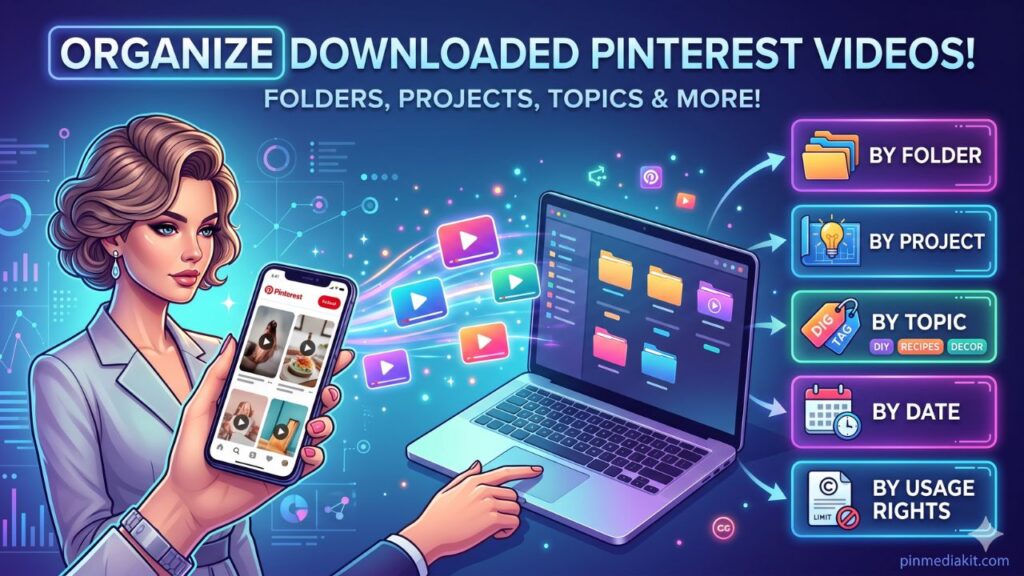
After saving files, the guide on organizing downloaded Pinterest videos offers practical steps for keeping saved content easy to find and manage on your device.
What PinMediaKit Does Not Do
It helps to be clear about what PinMediaKit is not designed to do. These limits exist to keep the tool safe, honest, and within appropriate use.
PinMediaKit is for public Pinterest media and personal reference use. Download only files you own, have permission to use, or are allowed to save for personal reference. Downloading a Pinterest file does not give permission to repost, sell, edit, redistribute, or use it commercially without creator permission or a valid license. Users are responsible for how they use saved files.
Check a Public Pinterest Link
Paste a public pinterest.com/pin/ or pin.it link into PinMediaKit and preview what media is available before saving anything to your device.